



DynamoDB to CouchDB: Why We Left NoSQL for NoSQL
This post is part of our Cloud Exit series. Over more than a decade we paid AWS about $244K, net of credits. Then we rebuilt on servers we own. Earlier posts cover the full cost story and how we swapped Lambda for cron. This one is about the database, and why moving it was the easy part.
The Win
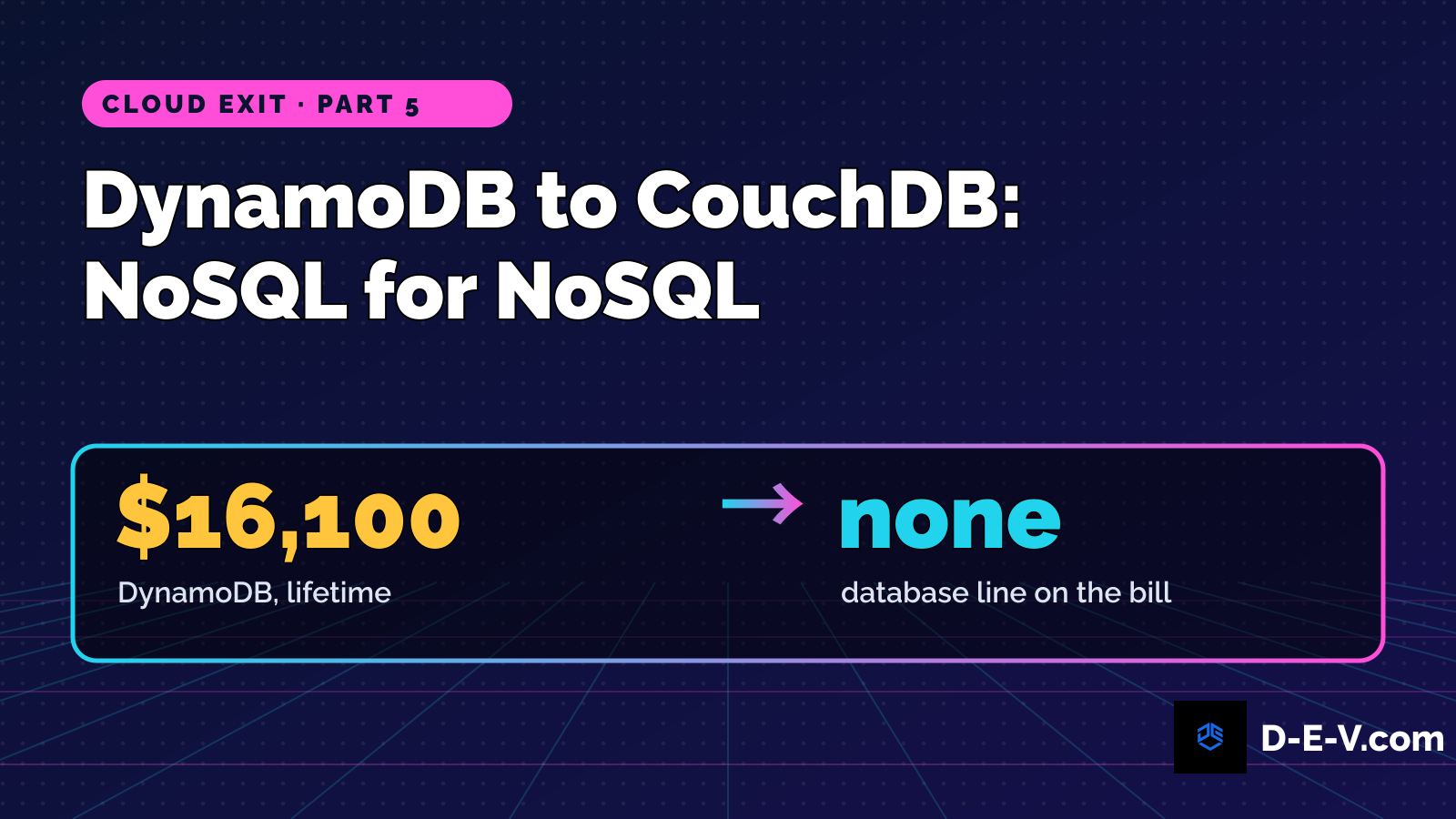
We moved our data off DynamoDB and onto CouchDB on our own hardware without redesigning it. The documents kept their shape. The applications kept calling the same read and write functions. What changed was the code under those functions, and the bill: DynamoDB had cost us at least $16,100 over its lifetime, and the database is no longer a line on any cloud invoice.
That wasn't luck. The data layer was designed from the start to work on either database.
The data layer was designed from the start to work on either database.
The Decision Behind It
The usual cloud-exit story at this point is "we were locked in, so we rewrote everything." Ours is different. Jacob, our founder, puts it this way:
"I did a thorough evaluation and built a single table design model that was DynamoDB and CouchDB compatible. And I built flexible core writing and reading libs, reusable patterns that were a foundation for everything."
Two pieces made that work.
One table, one model. Instead of a table per feature, every record lives in a single table, and every record carries the same few things: an id, a type, a status and timestamps. A price snapshot, a signal and a headline are all the same kind of thing at the storage level, distinguished by type. DynamoDB is built for this "single-table design" pattern. So is CouchDB, where every document already has an id and views can index by type and time. We deliberately kept the record id in a form that worked natively on both databases.
A core library for reads and writes. The application code never talked to the database directly. Every function went through a small shared library: write or update a record by id and type, fetch all records of a type, fetch a type within a time window, fetch a type for one symbol within a time window. The DynamoDB version and the CouchDB version of those calls have matching names and take the same arguments. On AWS, they spoke DynamoDB. On our own hardware, they speak CouchDB's plain HTTP.
That library is the foundation everything else stands on. RoboTrader's functions and scripts use it, and when we revived the Buzzwords engine on our own hardware in 2026, the new engine used the same data convention.
The Good: What DynamoDB Got Right
DynamoDB deserves credit. It was the right home for this design for years.
Speed. Reads were consistently fast, and a trading bot cares about latency.
Scaling. Years of data piled up and we never once thought about capacity, shards or clusters.
Zero ops. No backups to schedule, no disks to watch, no upgrades. For a small team building products after hours, that mattered a lot.
It rewarded good modeling. Single-table design is how DynamoDB wants to be used. Building that way on DynamoDB is exactly what made leaving it straightforward.
The Bad: Why We Left
The Bill Was the Architecture
On its own, DynamoDB was never the biggest line. Over the full AWS history the top lines were EC2 at $87,281, Lambda at $33,137 and the Business Support plan at $21,399. DynamoDB came in at $16,100 and CloudWatch at $11,720.
But in the cloud, the database brought a whole stack with it. Every read went through API Gateway, every API call ran a Lambda, and every Lambda wrote logs to CloudWatch. In the peak year, 2019, the account invoiced $53,674, about $4,500 a month. The database was cheap. The architecture around it was not.
The Lock-In Was Around the Data, Not In It
Our data model was portable. Everything surrounding it was not: the API Gateway definitions, the Lambda event wiring, the CloudFormation templates, the IAM roles. That's where the migration effort went.
The Runtime Rot
Our Lambda functions eventually ran on four Python runtimes: 2.7, 3.6, 3.7 and 3.8. AWS deprecated every one of them. The tables were fine; the code around them was aging out from under us. Staying on supported runtimes meant rewriting just to stand still. If we were going to touch all that code anyway, we'd rather move it home.
The Ugly: The Parts That Didn't Go Smoothly
We Paid for Both Worlds
The on-prem system took over by writing new data through the same library, not through one big-bang copy of history. That kept the cutover safe, but it meant running both databases for a while. For part of that time a small sync job even copied some of the new on-prem data back up to DynamoDB, so the cloud-side apps kept working until they could be retired. DynamoDB's most expensive year was 2022, at $5,590, after the move had started. The 2022 invoice total was $49,880, our highest net year, driven by overlap and governance tooling, not growth.
The History Stayed Behind
Because new data started fresh on our own hardware, the older cloud-era history never came across in bulk. When the last tables were deleted in 2025, AWS kept on-delete backups. Those backups still exist and cost a few dollars a month to keep. When it came up again this year, we priced a restore and decided we didn't need it. That was the right call for the business, but it means a slice of our early history lives in a backup rather than in the database we use every day.
Self-Hosting Is Real Work
DynamoDB hid the operations. CouchDB doesn't.
Compaction is on you. CouchDB compacts on its own, but compaction needs roughly as much free disk as the database itself. One of our development copies ran out of disk mid-compaction and stopped answering queries until we cleared the leftover files. Now we watch that disk and clean those files automatically.
Backups are on you. Taking a consistent copy means pausing the database for a while every week, something a managed service did for us invisibly.
Why CouchDB? (Not Postgres, Not Mongo)
You left one NoSQL database... for another NoSQL database? Yes, on purpose.
The model was already a document model. A single-table design maps one-to-one onto CouchDB documents. Moving to a relational database would have meant redesigning the data and rewriting every caller of the library. Moving to CouchDB meant reimplementing a library.
HTTP is universal. CouchDB speaks HTTP natively. No proprietary SDK, no special driver. Any language or tool can talk to it, curl included.
Views fit the access patterns. The library's queries were "by type," "by type and time" and "by type, symbol and time." CouchDB views index exactly those, incrementally, so queries don't rescan everything.
The Numbers
| Metric | DynamoDB era | CouchDB today |
|---|---|---|
| Database line on the bill | $16,100 lifetime; $5,590 in 2022 alone | None. It runs on hardware we own (whole on-prem estate: about $100 a month, estimated) |
| Data model | Single table: id, type, status, timestamps | The same model |
| How applications read and write | Shared core library | The same library calls, CouchDB underneath |
| Operational overhead | None (managed) | Compaction, backups, monitoring, upgrades |
| Vendor-specific code | The library's DynamoDB layer, plus everything around it (API Gateway, Lambda, CloudFormation) | None (plain HTTP) |
| Backups | Automatic | Our own scripts |
What We'd Do Differently
-
Bring the history across deliberately. Writing new data on the new side kept the cutover safe, but plan the bulk copy of history up front instead of leaving it in backups.
-
Cut the overlap shorter. Once the library pointed at CouchDB, the old tables only cost money. We should have retired them faster.
-
Budget for operations on day one. Disk headroom for compaction, backups and monitoring are part of the price of self-hosting. Plan them before launch, not after the first surprise.
The Lesson
Portability is a design decision, and it has to be made at the start. We were able to leave DynamoDB without redesigning our data because the data was never designed around DynamoDB. One model, one library, and the database underneath became a choice instead of a commitment.
Portability is a design decision, and it has to be made at the start.
The lock-in we did feel came from everything around the data: the gateways, functions, templates and permissions. That's where a cloud exit really costs time. If you're building on a managed database today, put your reads and writes behind your own small library and keep your records in one well-defined shape. If you ever need to leave, you'll be swapping an implementation, not rewriting a company.
Want the same result for your cloud bill?
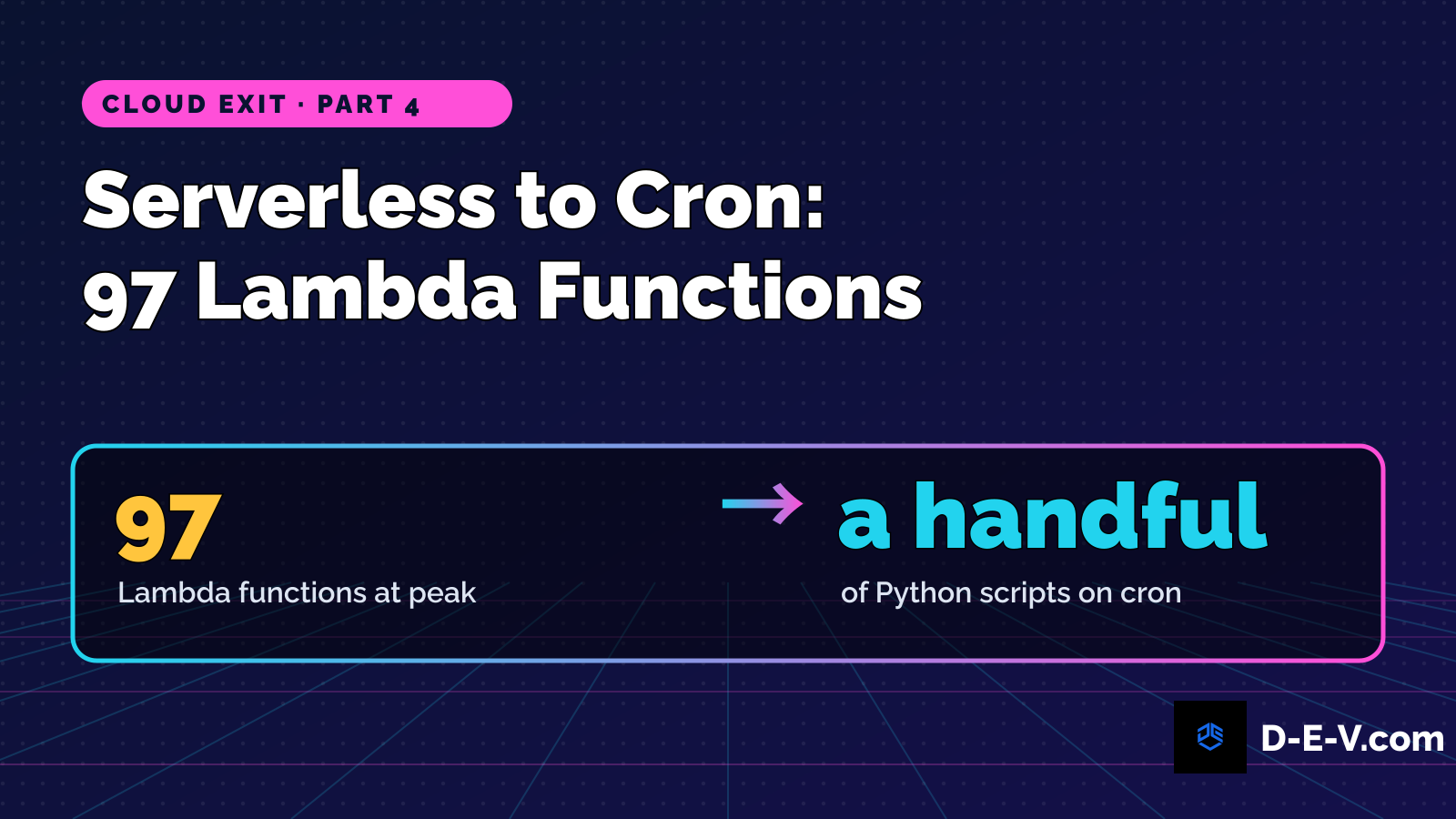
We cut our own AWS bill from $53,674 a year (2019, as billed) to about $100 a month, and we kept every product. That work is led by an AWS Certified Solutions Architect – Professional who holds six AWS certifications, including DevOps Engineer – Professional and Security – Specialty. Because we built these platforms on AWS first, we know what belongs in the cloud, what to bring onto your own hardware, and how to move it without breaking anything. Send us your bill and we'll show you where the money goes.
Get a cloud cost review · See our services
Further reading: Leaving AWS: 97 functions, our own hardware on god of bots · $244K Later: Why We Left AWS for Our Own Hardware · About $4,500 a Month to About $100 · Serverless to Cron: Why We Replaced 97 Lambda Functions with a Few Python Scripts · The Buzzwords revival
Add new comment
Comments
Comments appear after review.